- Click on the gear icon (
 ) in the upper right corner
 - Go to Settings
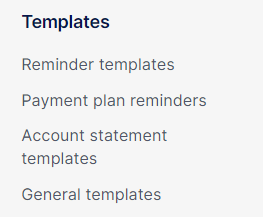
- Click on the relevant template group in the left menu. You can choose between General templates, Account statement templates, Payment plan Reminders or Reminder templates
- Choose the template you want to adjust. You can just click on the row of the template or use the pencil (
 )
) - Add a new language by using the plus (+) sign next to the current language
