- Click on the gear icon (
 ) in the upper right corner
 - Go to Settings
- Click on the relevant template group in the left menu. You can choose between General templates, Account statement templates, Payment plan Reminders or Reminder templates
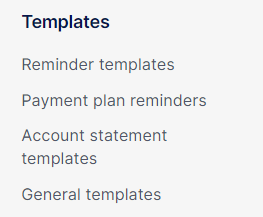
- Select the relevant template from the list on the right screen
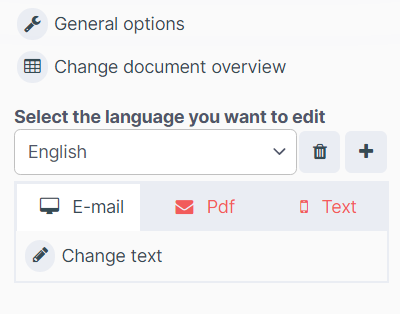
- Click on Change text. You can do this for emails, pdf and text messages.
- In the bottom right corner, you will be able to change the Date format
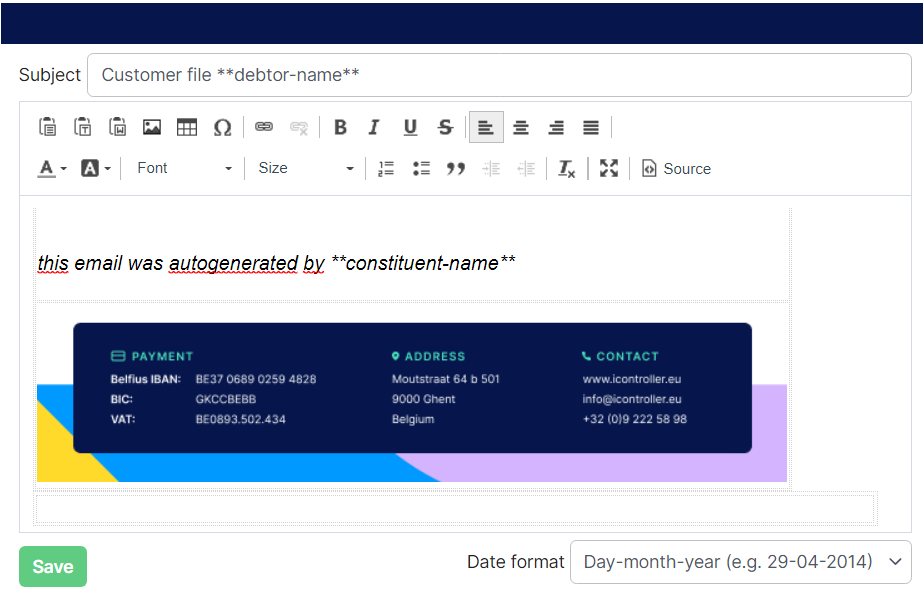
- Click Save