- Click on the gear icon (
 ) in the upper right corner
 - Go to Settings
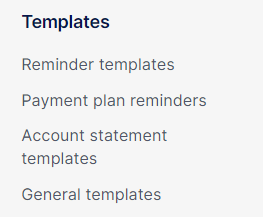
- Click on the relevant template group in the left menu. You can choose between General templates, Account statement templates, Payment plan Reminders or Reminder templates
- Click on Add new template.
- After you chose the correct company or entity, click on Add a new language to edit the content of your new template.
- Click on Save when you are ready.