Note: Only System Administrators can change these settings.
- Click on the gear icon (
 ) in the upper right corner of the top bar
 - Go to Settings
- Select Procedures in the left menu (see Worksheet)
- Navigate to the procedure step you want to adjust and click on the pencil (
 )
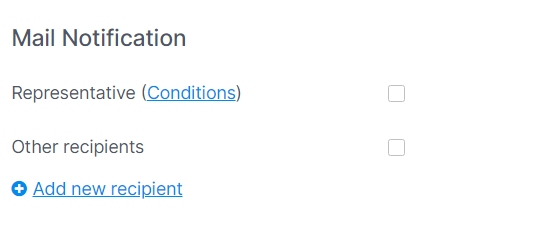
) - In the section Mail notification you can adjust whether you want your representative (or another recipient) to be automatically notified.
- Click on Save